How to configure a new GitHub repository
This guide will help you in the steps to configure a new GitHub repository to make usage of most of the GitHub features.
Create a new repository from a template
If you are creating a new service, start by creating a new repository from a template as mentioned in the How to create a new service guide.
If you are creating a new project, start by creating a new repository.
Update the repository details
Access the repository details (you can click the cog icon in the top right corner of the repository to get the menu) as shown in the following screenshot:
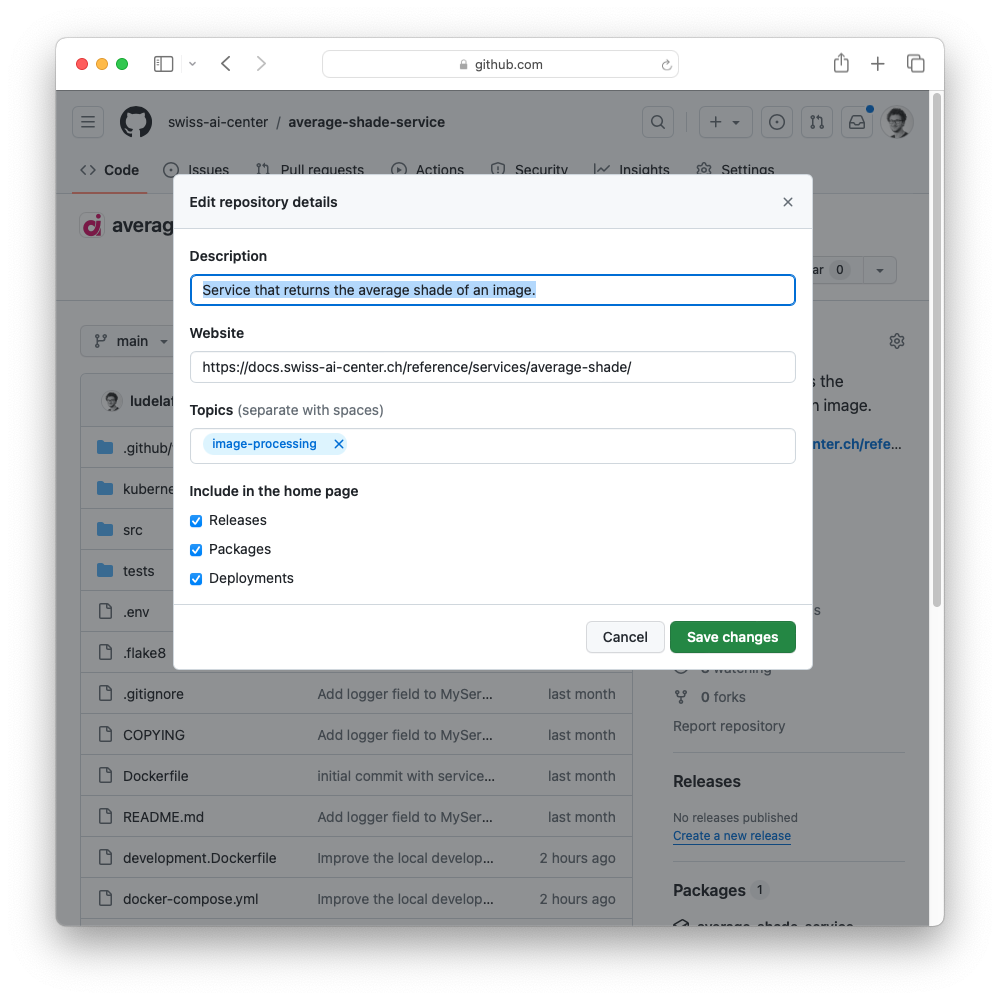
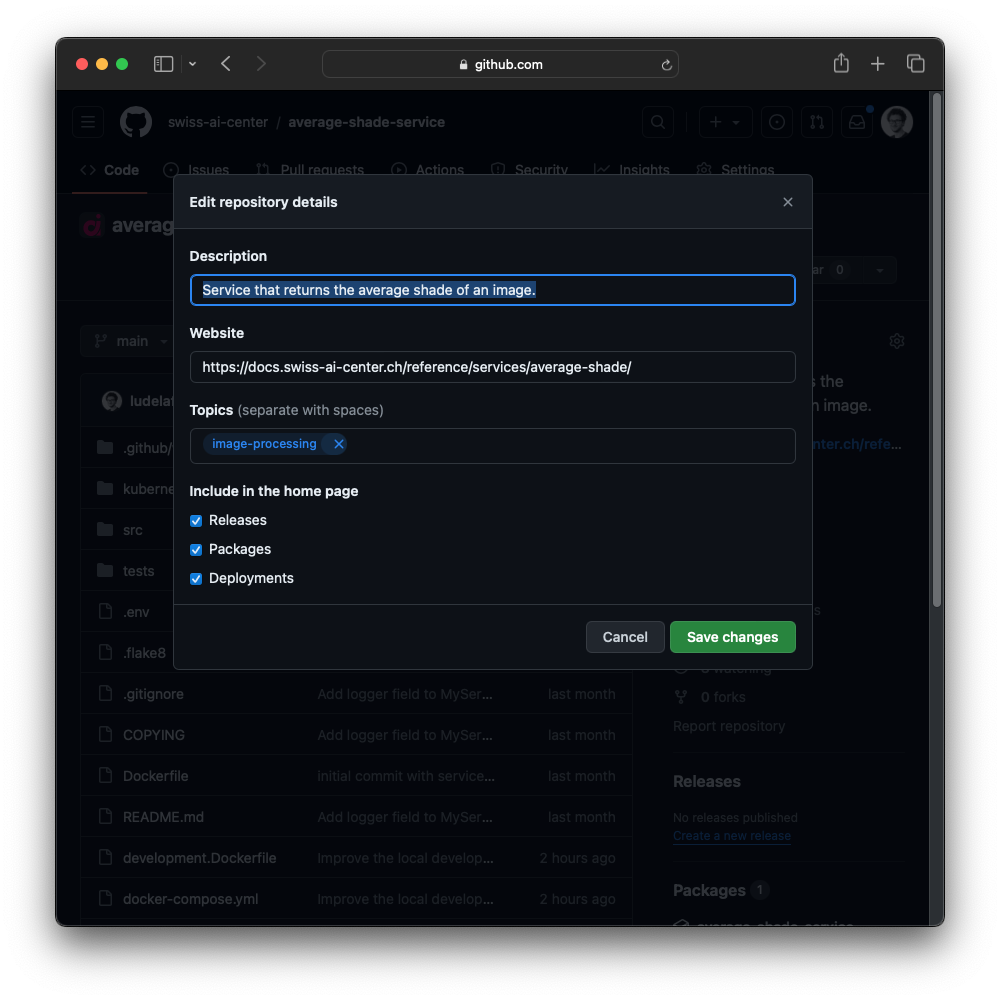
- Add a meaningful description of the repository in the Description field.
- Add a link to the documentation of the repository in the Website field as mentioned in the How to update the documentation guide.
- Add tags to the repository in the Topics field.
- All the other settings can be left to their default values.
Update the repository settings
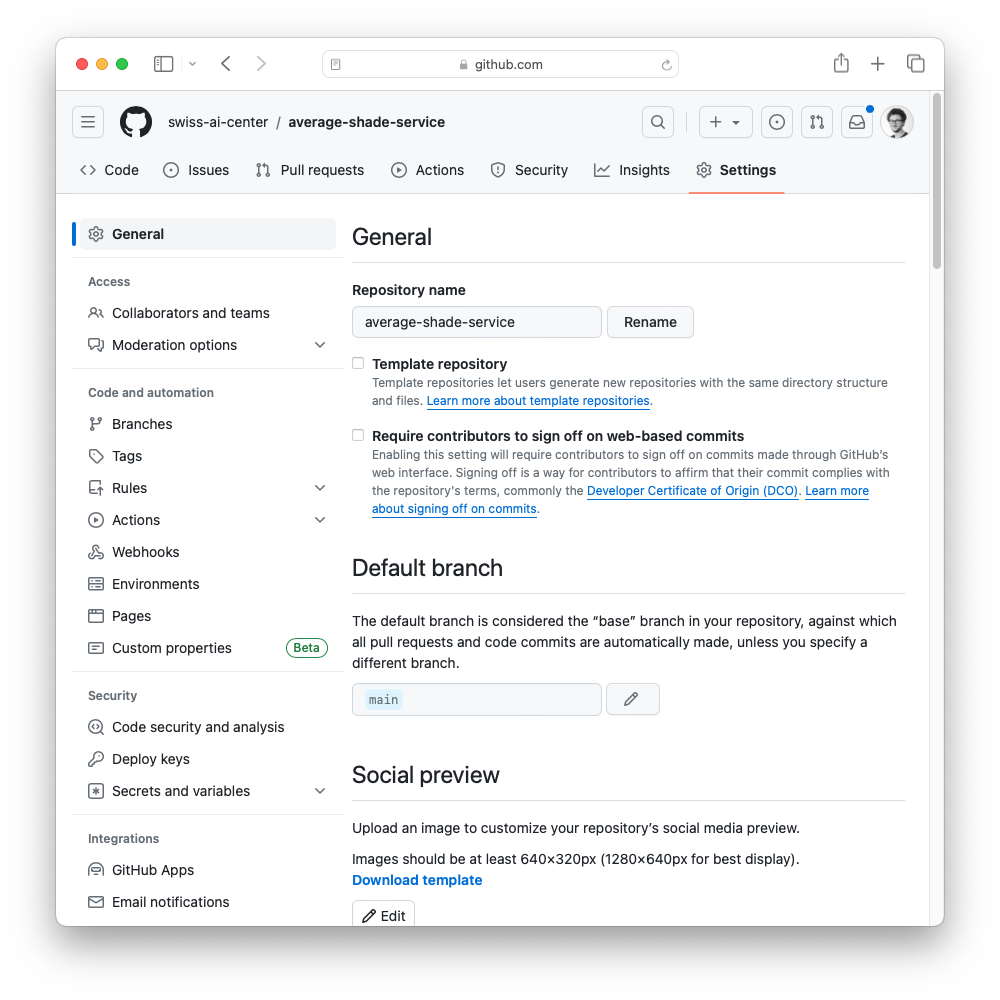
Access the repository settings by accessing the Settings tab of the repository as shown in the following screenshot:

General
Features
- Disable Wikis.
- Disable Projects.
Pull Requests
- Disable Merge commits.
- Change Allow squash merging > Default commit message to Pull request title.
- Disable Allow rebase merging.
- Enable Automatically delete head branches.
Danger Zone
Change the visibility of the repository to Private if you want to keep the repository private or to Public if you want to make it public.
Collaborators and teams
Add teams and collaborators to the repository as needed. For most of the Swiss AI Center projects, we recommend to add the following teams:
- @swiss-ai-center/core-developers team with Admin access.
- @swiss-ai-center/managers team with Admin access.
- @swiss-ai-center/contributors team with Maintain access.
Branches
Repositories deployed through the Swiss AI Center workflows, including service repositories, must contain both dev and main as long-lived branches:
- Create feature and issue branches from
dev. - Merge changes back into
devthrough a pull request. - Require at least one approval from someone other than the author.
- Merge
devintomainthrough a reviewed pull request for a production release.
Add protection rules for both branches with the following settings:
- Branch name pattern:
devormain. - Enable Require a pull request before merging.
- Enable Require approvals with 1 required approval.
- Block direct pushes.
- Disable force pushes.
- Disable branch deletion.
All the other settings can be left to their default values.
Core AI Engine organization rules
Note
Some Core AI Engine pull-request and branch protections are configured at Swiss AI Center organization level. Verify which rules the repository already inherits before adding repository-level rules. The effective rules must still cover both dev and main, and repository settings must not weaken or bypass the organization rules.